
Hold the charging connector by its housing or grip area. It can be handled with one hand. Align the connector with the vehicle inlet and insert it straight. Do not touch the contact area or pull the connector by its cable.
Check the connector before use
Before connecting it to the vehicle, visually check:
- The connector housing.
- The connector face and contact openings.
- The charging cable.
- The point where the cable enters the connector.
If you see obvious damage or material inside the connector face, do not insert the connector. Refer to the product manual or contact dé support.
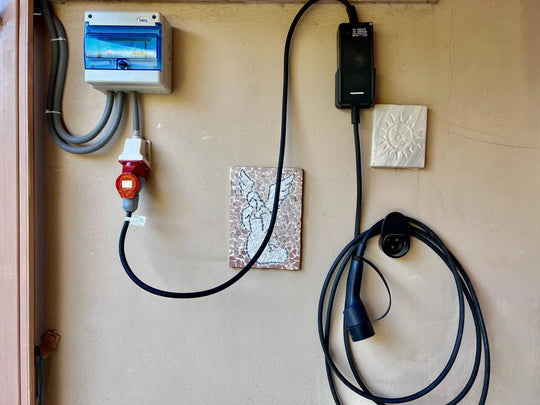
Hold the connector by the housing rather than by the charging cable.
Hold the connector correctly
Place your hand around the connector housing or designated grip area. Keep your fingers away from the connector face and its contacts.

For help identifying the connector face, housing, grip area and cable entry, see the charging connector design overview.
Connect the connector to the vehicle
- Open the vehicle charging inlet as described in the vehicle manual.
- Hold the connector by its grip area.
- Align the connector face with the vehicle inlet.
- Insert the connector straight into the inlet.
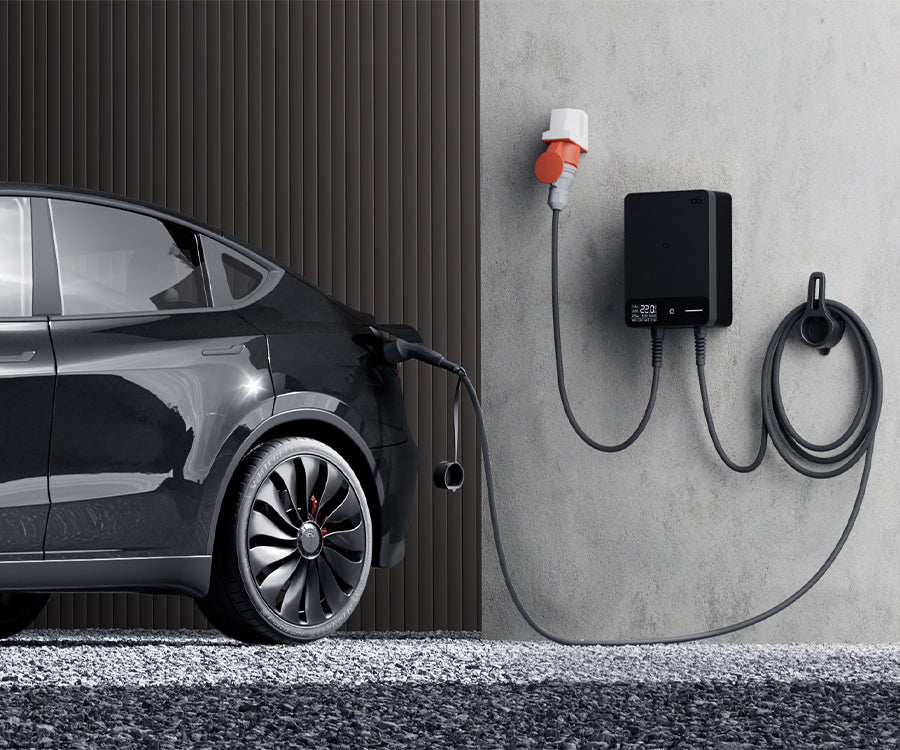
If the connector does not fit, remove it and check the alignment. Do not force it into the vehicle inlet.
Start charging using the correct method
After connecting the cable, follow the instructions for the charging mode supported by your product:
- Start charging in Plug-and-Play mode.
- Start charging with an RFID card.
- Start charging with the app.
Disconnect the connector after charging
Complete the charging stop and vehicle unlocking procedure required for your charging mode and vehicle. When the connector has been released, hold the connector housing and pull it straight out of the vehicle inlet.
Do not pull on the charging cable to remove the connector.
Replace the dust cap
If the connector is supplied with a dust cap, place the cap back over the connector face after use.
If the connector does not insert or release
- Do not force, twist or dismantle the connector.
- Check that the connector is correctly aligned before trying again.
- If it will not release, check that charging has stopped and the vehicle inlet has been unlocked.
- If the problem continues, check the applicable product and vehicle manuals or contact dé support.


